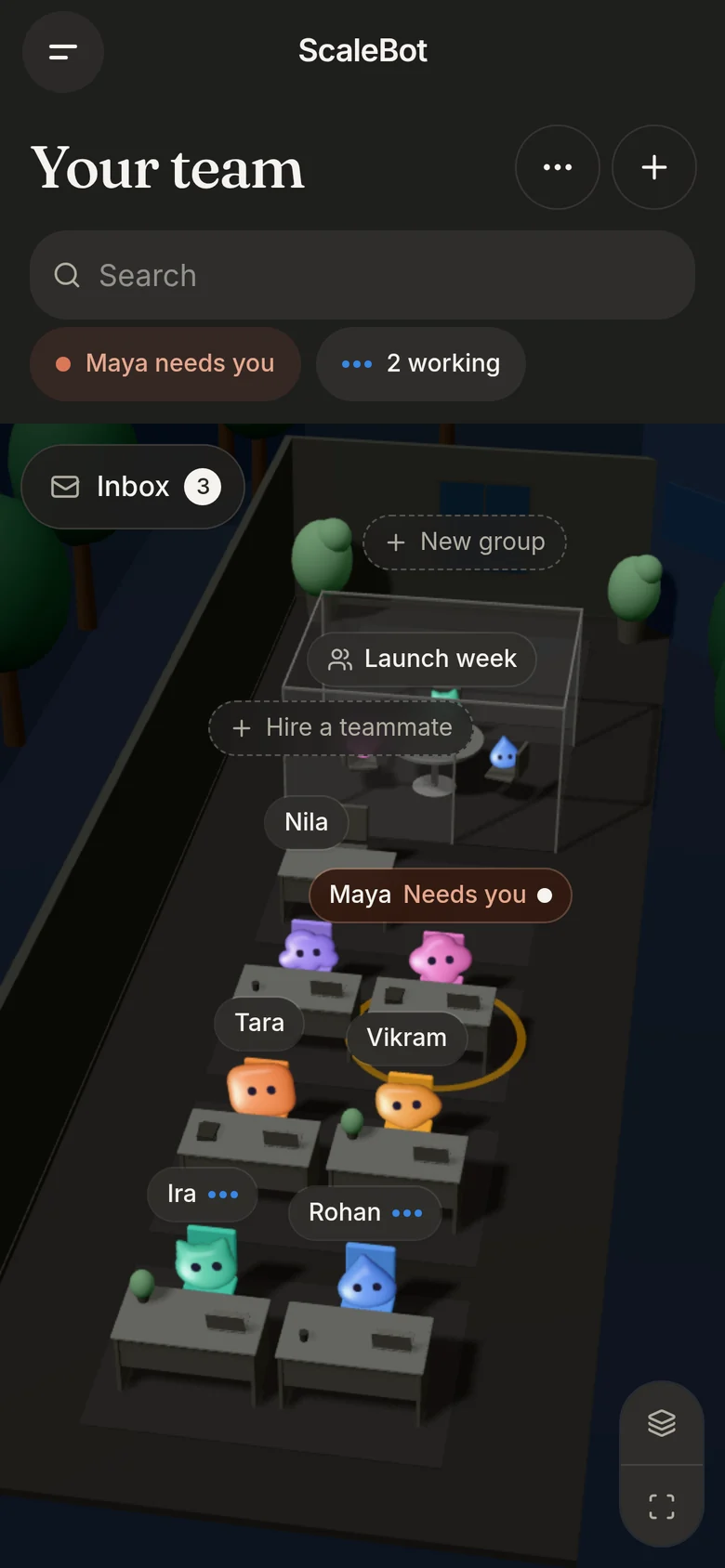
NewYour team works in a 3D office

Meet ScaleBot

An AI team that does the work. Hire teammates for research, writing, outreach and the numbers. They work in your apps, ask before what matters, and report back in plain words.

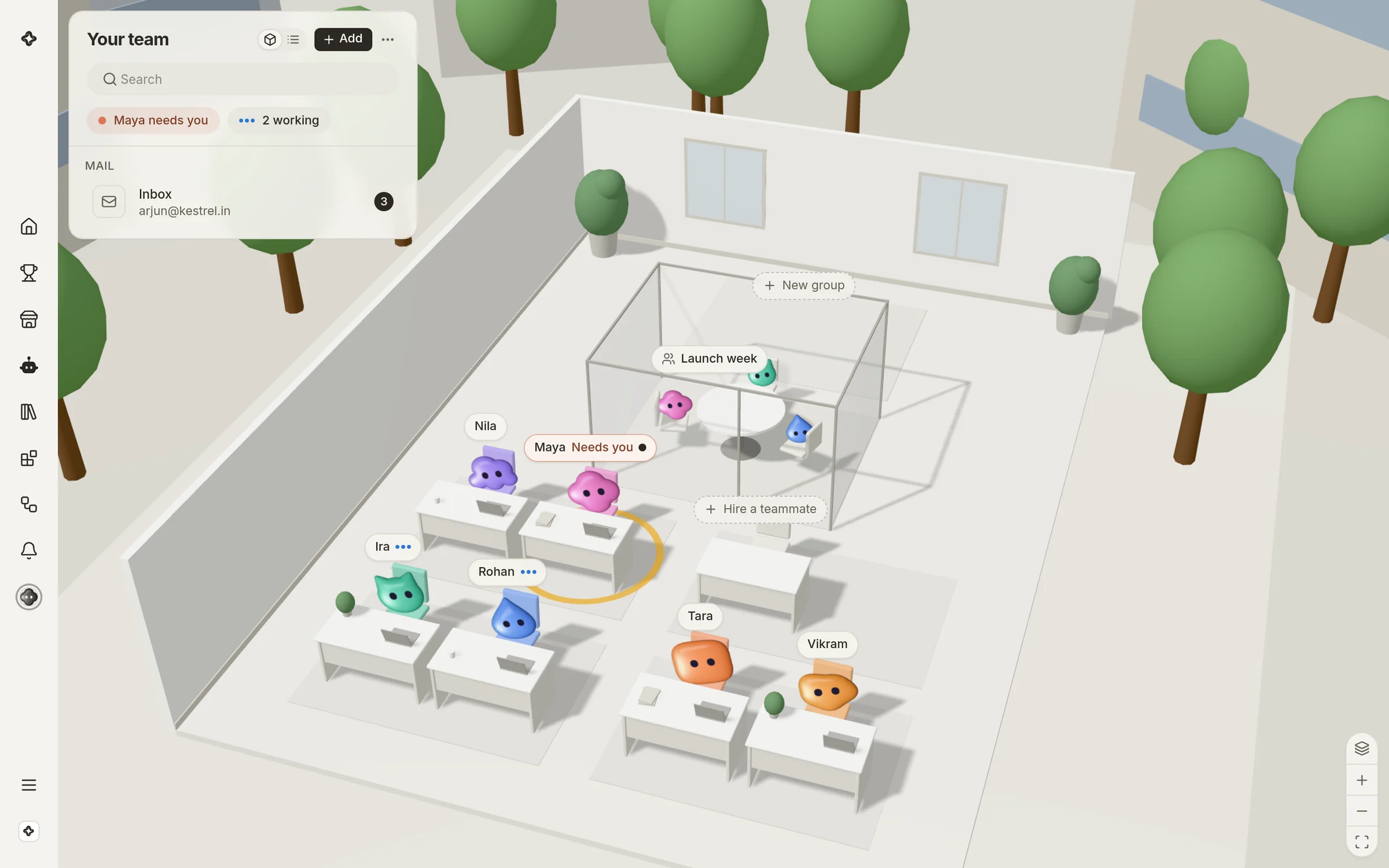
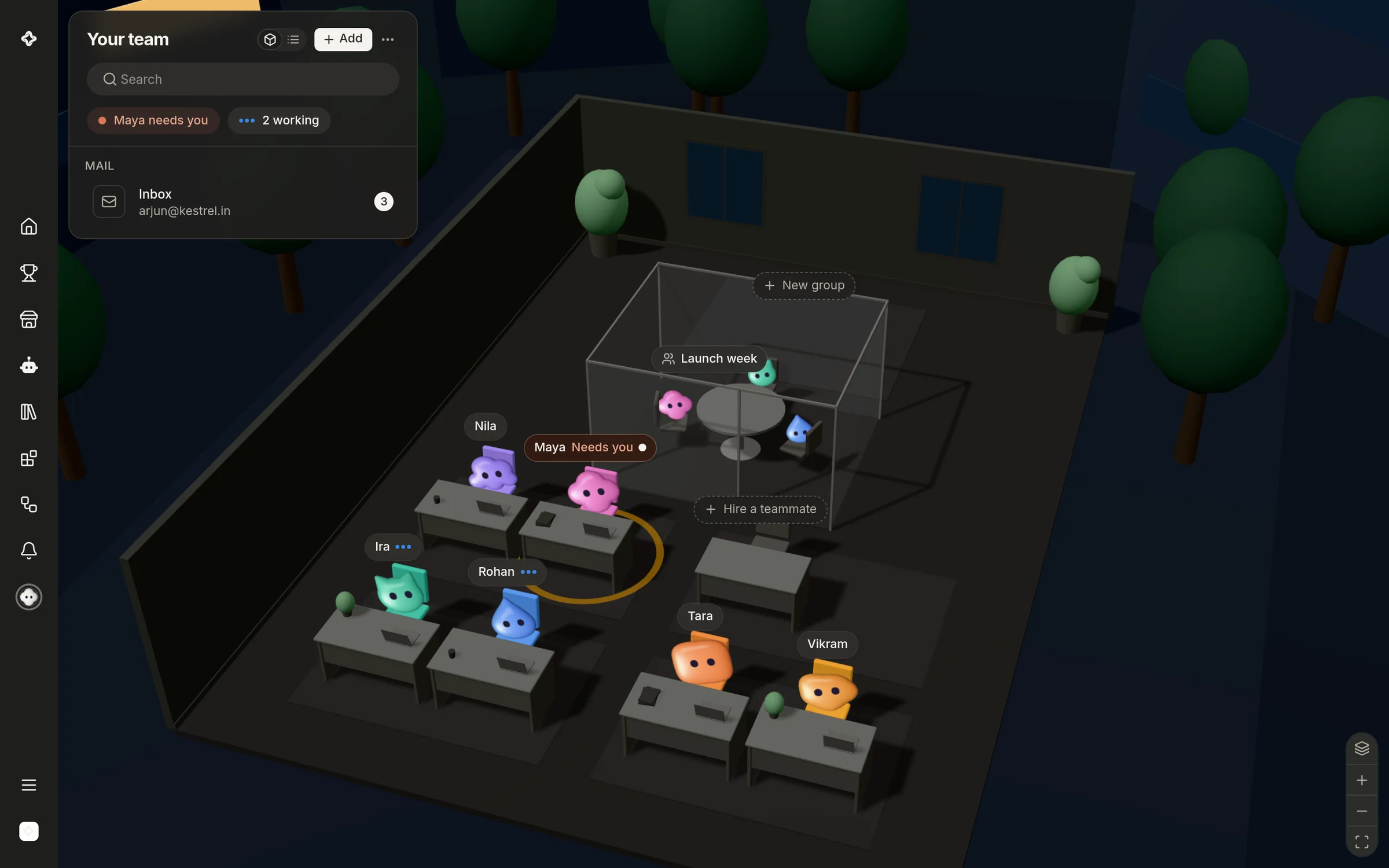
The ScaleBot office: six teammates at their desks; one needs you, two are working.The ScaleBot office: six teammates at their desks; one needs you, two are working.
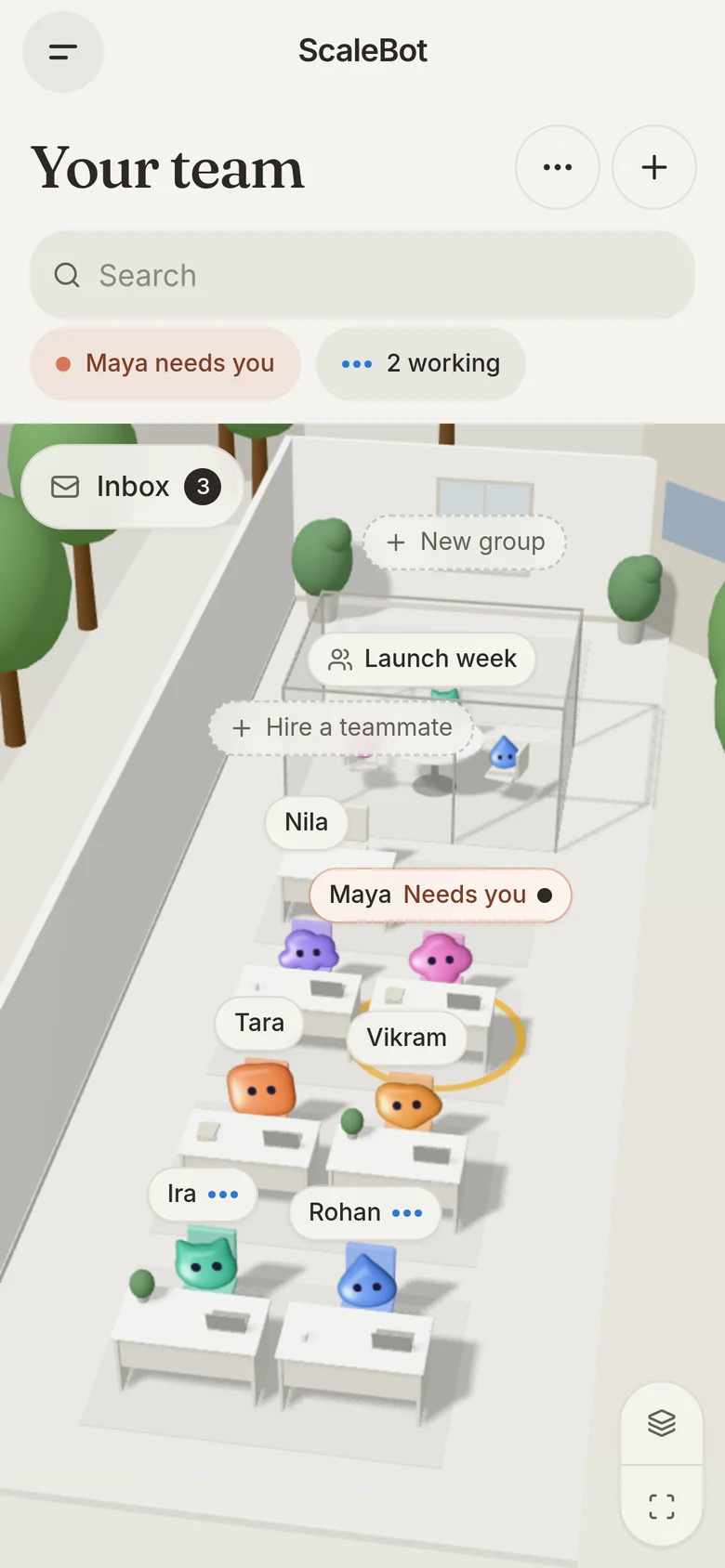
The ScaleBot office on a phone.The ScaleBot office on a phone.

Hire teammates like you hire people

Thirty-six roles, from Co-founder to CFO, each with its own skills and voice. Start from one and change it, or describe a new one in a line. Every teammate has a desk in a 3D office, and you can move the team to a café, a garden, a library or a space station.

How a piece of work goes

The way you would work with a person, without the waiting.

  • Give it the workIn a sentence, the way you would ask a person. Attach a file or point it at an app if it needs one.
  • It does the workIt reads the whole page rather than the search result, runs what needs running, and keeps what it made.
  • It asks when it shouldBefore anything you have told it to check with you, it stops and asks, with the choice in front of you.
  • It reports backIn plain words, with the table, the chart or the document you asked for, in the conversation where you asked.

What your team can reach

Everything a teammate needs to finish the job, in one workspace.

Finished work, in the conversation

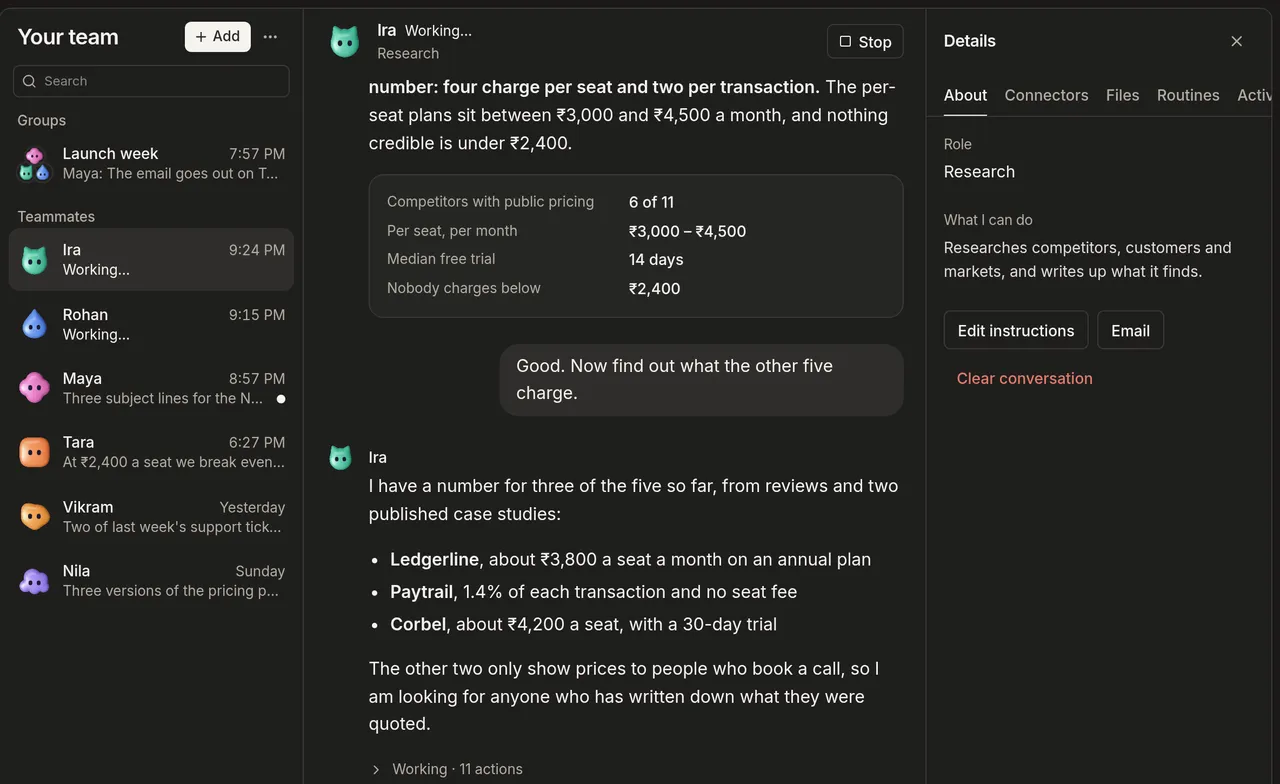
The table, the chart or the document you asked for, kept in the workspace rather than lost in a chat.

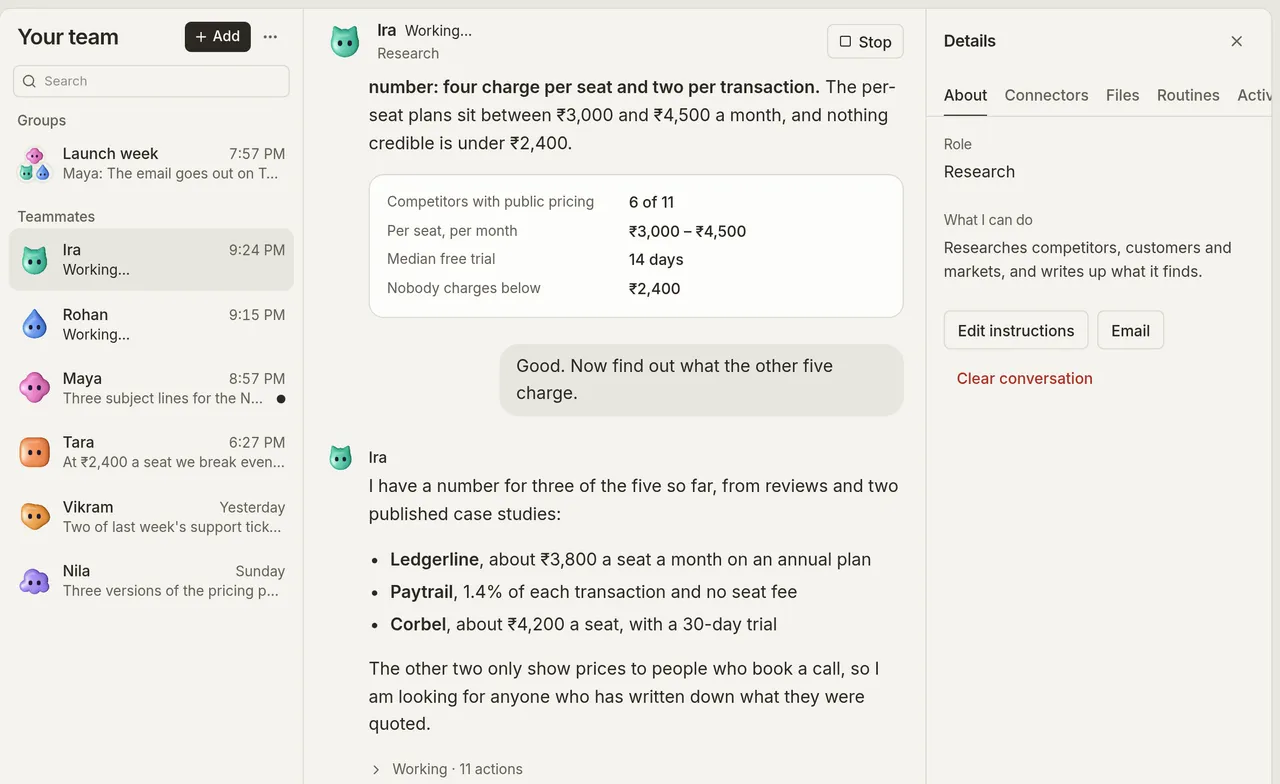
A research teammate's answer, with a table of competitor prices.A research teammate's answer, with a table of competitor prices.

Your apps, connected once

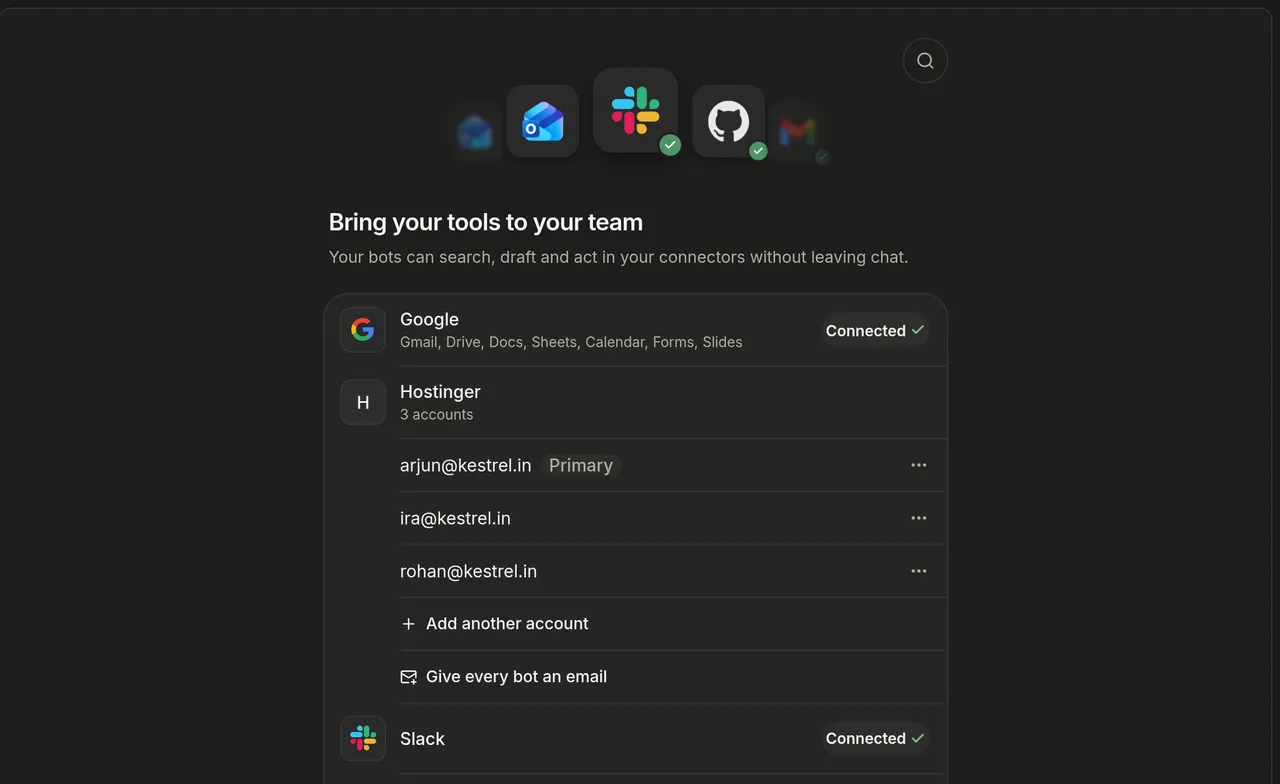
Mail, calendars, docs, chat and code. Each teammate uses only the apps you give it.
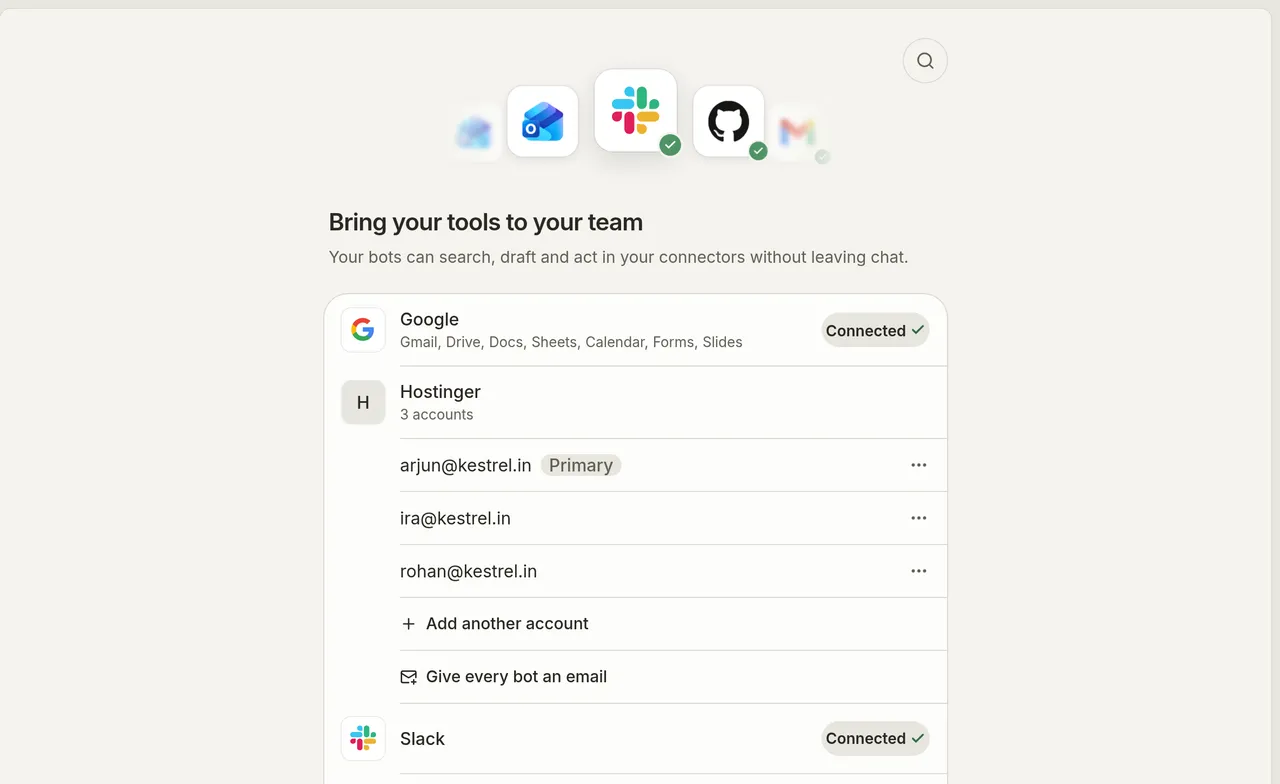
The Apps page: Google, Microsoft, social and work apps to connect.The Apps page: Google, Microsoft, social and work apps to connect.

Work that runs on its own

Routines on a schedule, and automations that answer a message or a new email the moment it arrives.
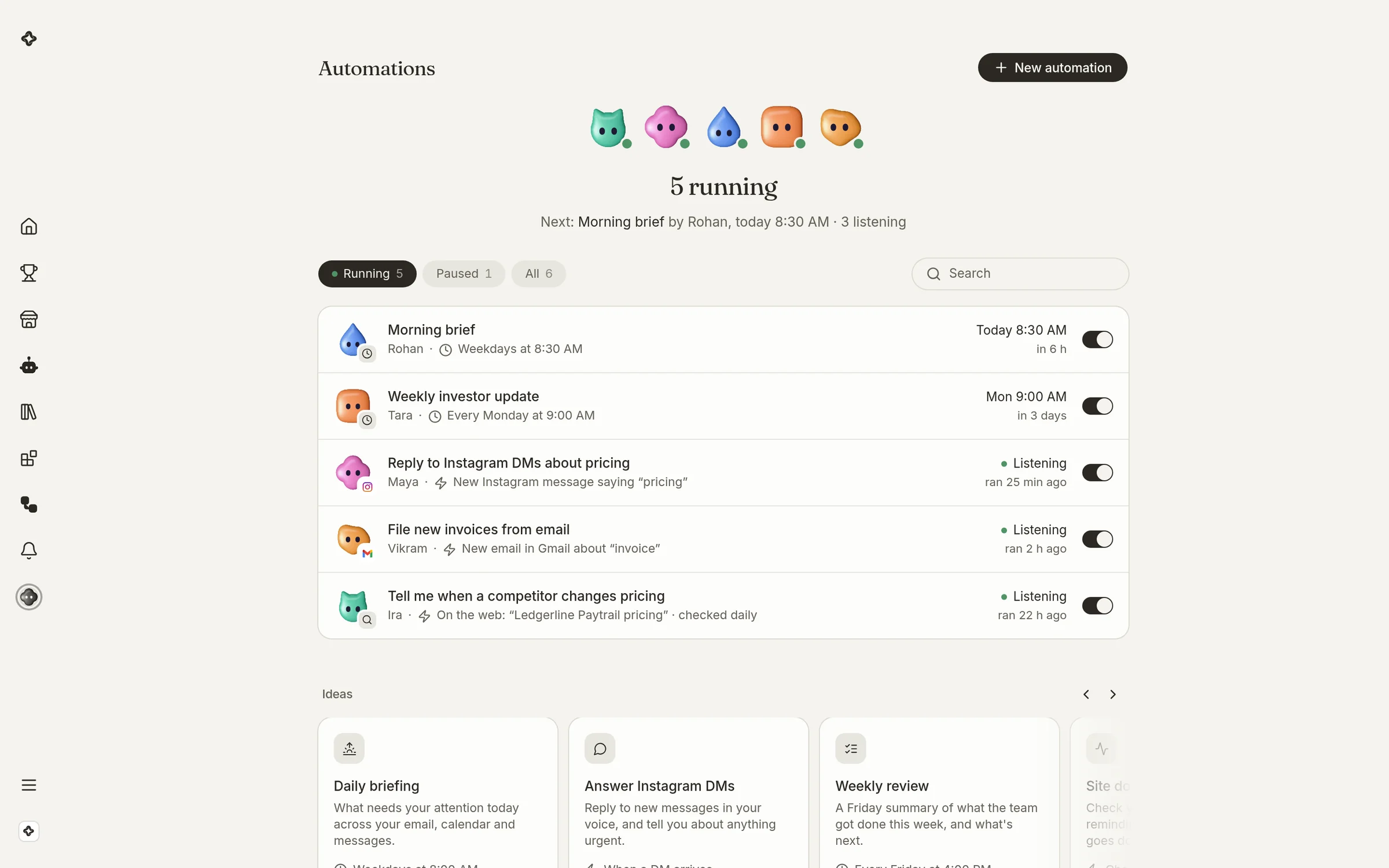
Automations: the team's standing work, what triggers each and when it last ran.Automations: the team's standing work, what triggers each and when it last ran.

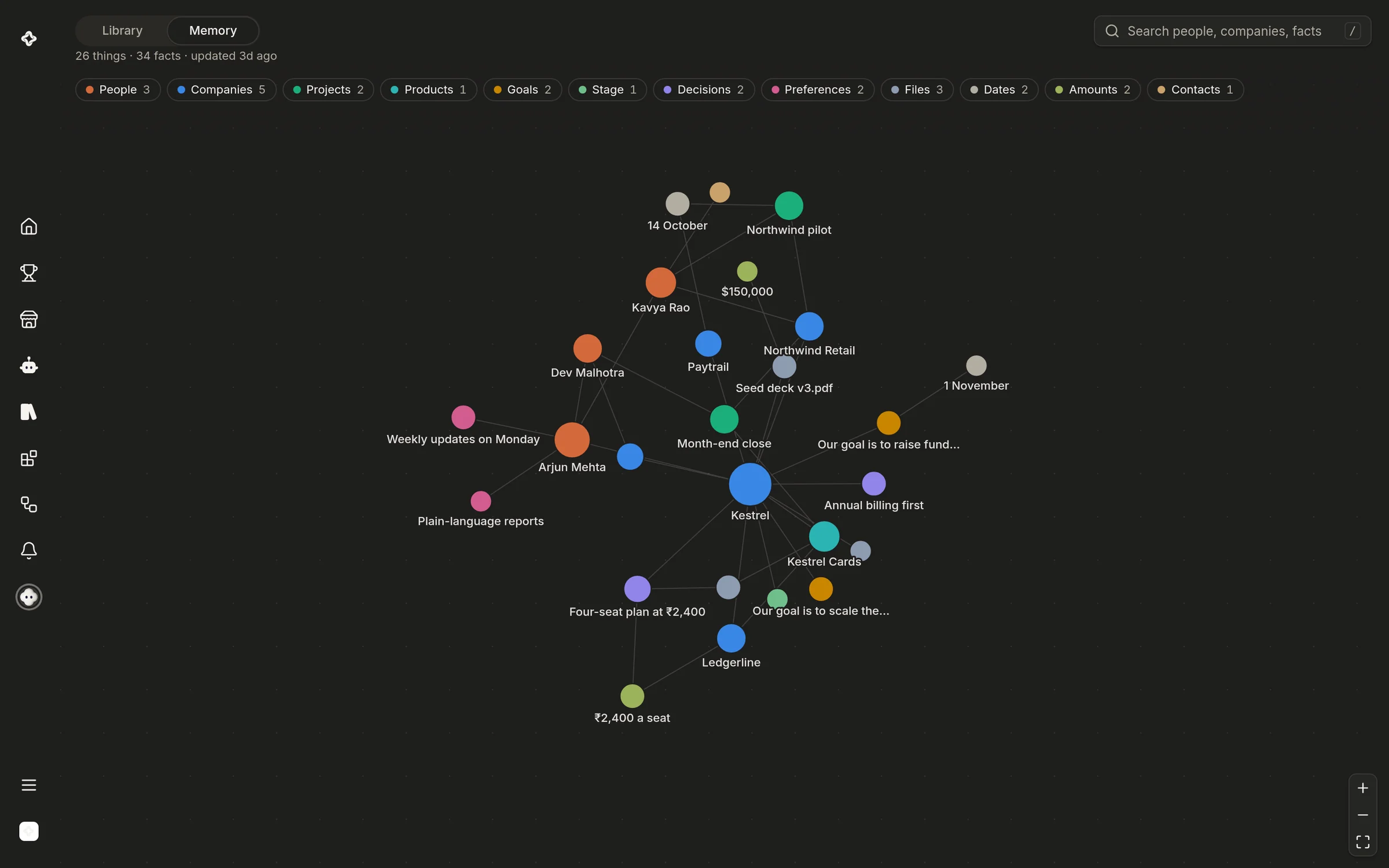
One memory for the whole team

People, decisions and files, linked as your team learns them, so nothing is explained twice.
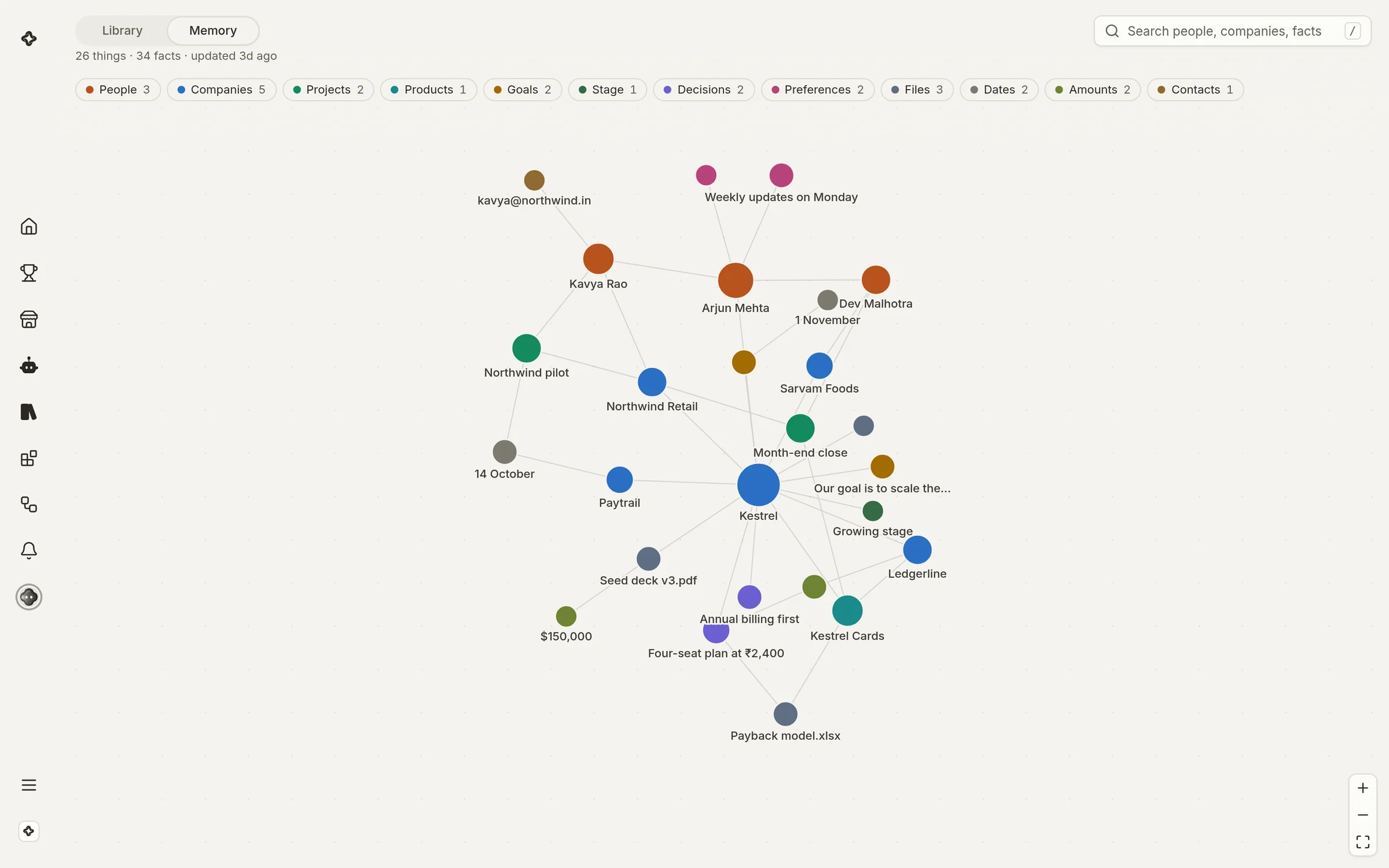
The team's memory: people, companies, files and decisions as a linked graph.The team's memory: people, companies, files and decisions as a linked graph.

Give each teammate a job

Clear the inbox before ten. Runs your inbox, calendar and weekly review so you can build.

See all 36 teammates
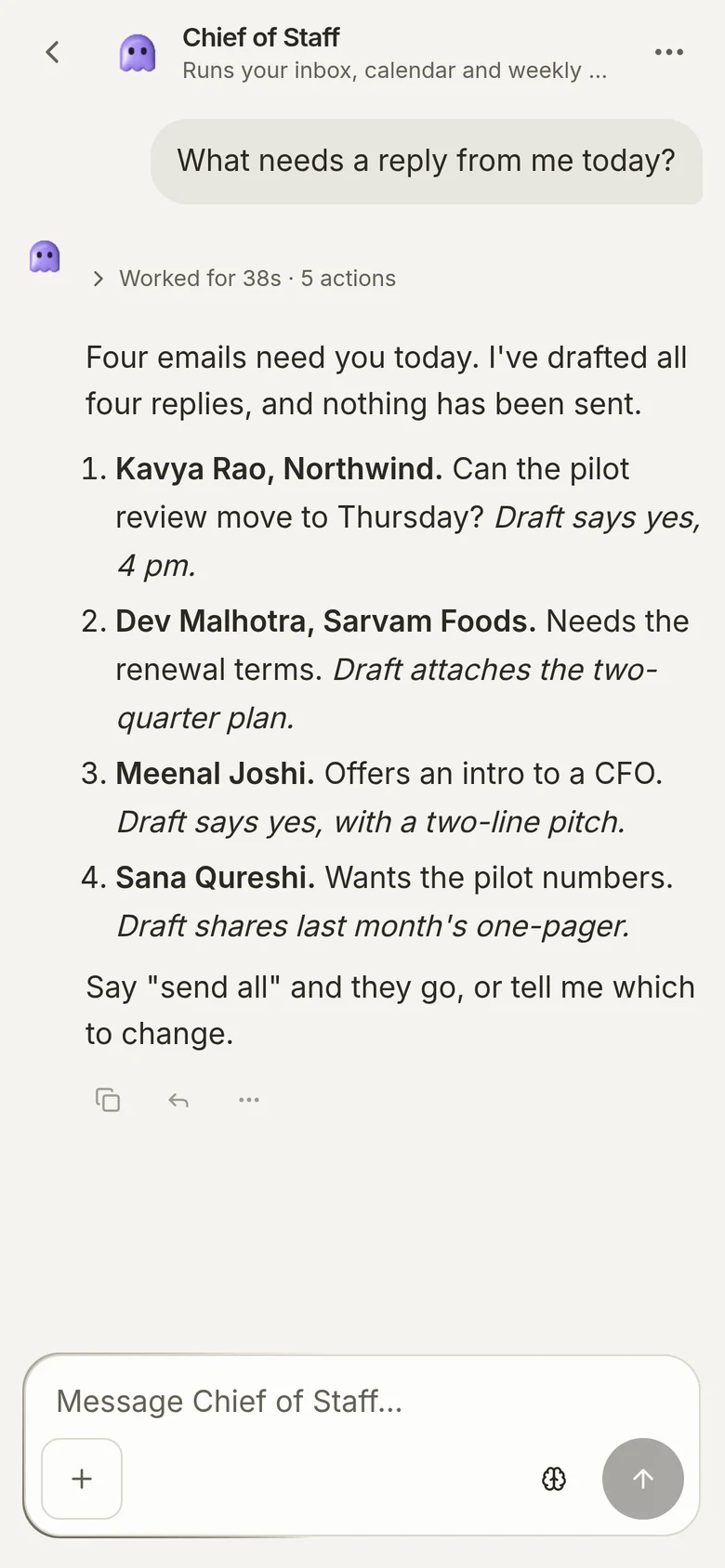
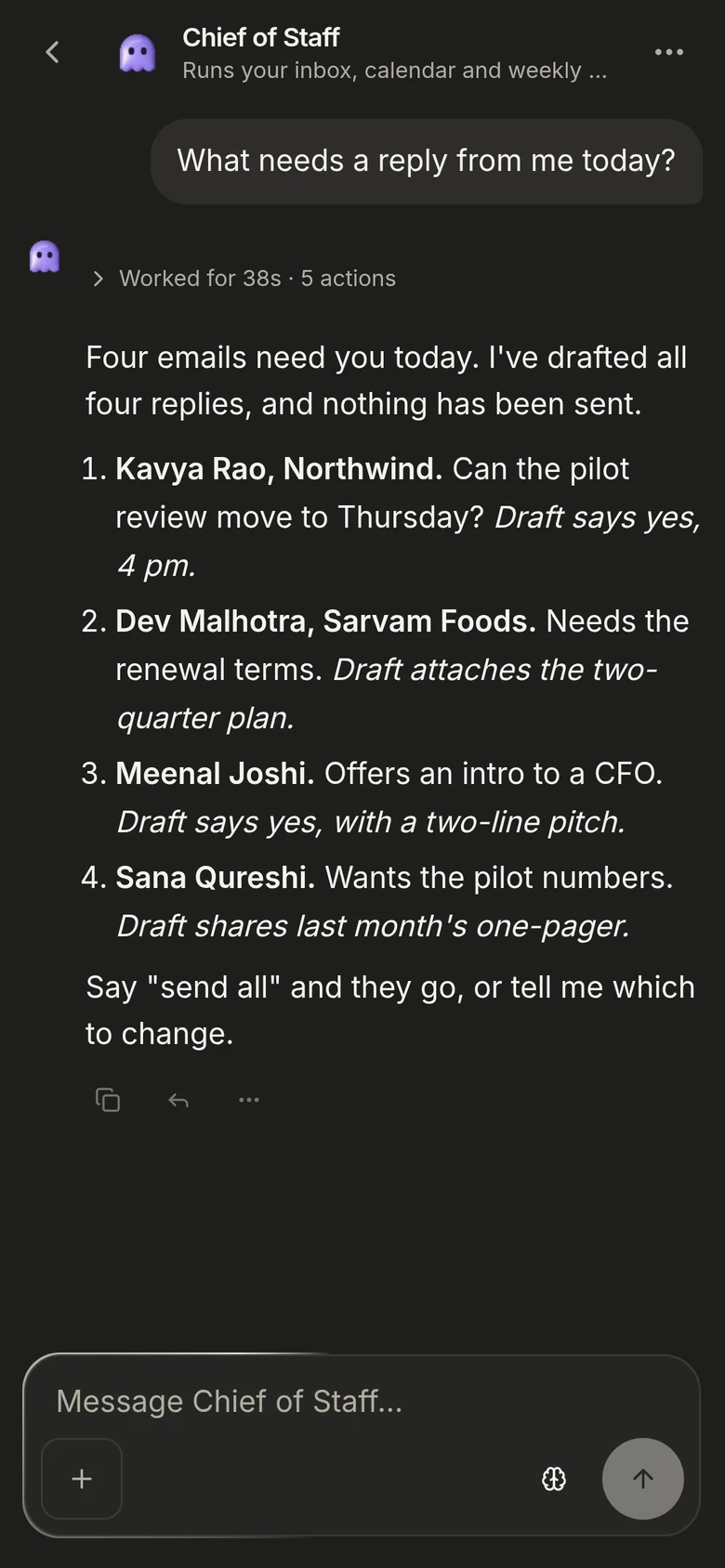
Chief of Staff's conversation in ScaleBot, on a phone.Chief of Staff's conversation in ScaleBot, on a phone.

You stay in charge

Your team works on its own, inside the lines you draw.

  • Permissions per teammateWhat each one may do on its own, and what it must ask you first.
  • One workspace, one teamTeammates, apps and memory belong to their workspace. Nothing crosses to another, including your own second one.
  • Usage you can seeA share of your month, never a surprise bill. When it runs out the team pauses until the month resets.
  • You see who needs youWhen a teammate is waiting on you, the office shows who, and one tap opens that conversation.

Free to start

Every feature is on every plan. A plan adds workspaces and more AI usage each month.

Free

$0/ month

1 workspace

Apply

Includes:

  • Your own agent
  • ScaleBot, with 36 teammates to hire
  • Library and Memory
  • Apps, routines and voice
  • A place on the leaderboard
  • AI usage to try it properly

Pro

Loading price

5 workspaces, billed monthly

Not on sale yet

Everything in Free, plus:

  • 5 workspaces
  • 10× Free's AI usage, every month

FAQs

Which AI does it run on?
HyperOrb Intelligence. Choosing and updating the model behind it is our job; you never have to pick one or bring your own.
Is ScaleBot free?
Yes, on every plan, including Free. A plan adds workspaces and more AI usage each month.
Can I make my own teammate?
Yes. Start from one of the thirty-six and change it, or give a new one a name and one line about the work.
Can teammates work together?
Yes. Put them in a group and they hand work to each other, so a question that needs three of them is asked once.
What happens when my usage runs out?
Your team pauses until the month resets, and says so. A plan adds more usage; you see it as a share of your month, not as money.
Can it see my other workspaces?
No. Each workspace has its own teammates, its own connected apps and its own memory.

Hire your first teammate

It is free, it takes a sentence, and it starts before you have finished setting anything else up.