Library and Memory

Everything your team knows, in one place. Drop in files and folders; every teammate reads them, and memory keeps the people, decisions and facts linked.

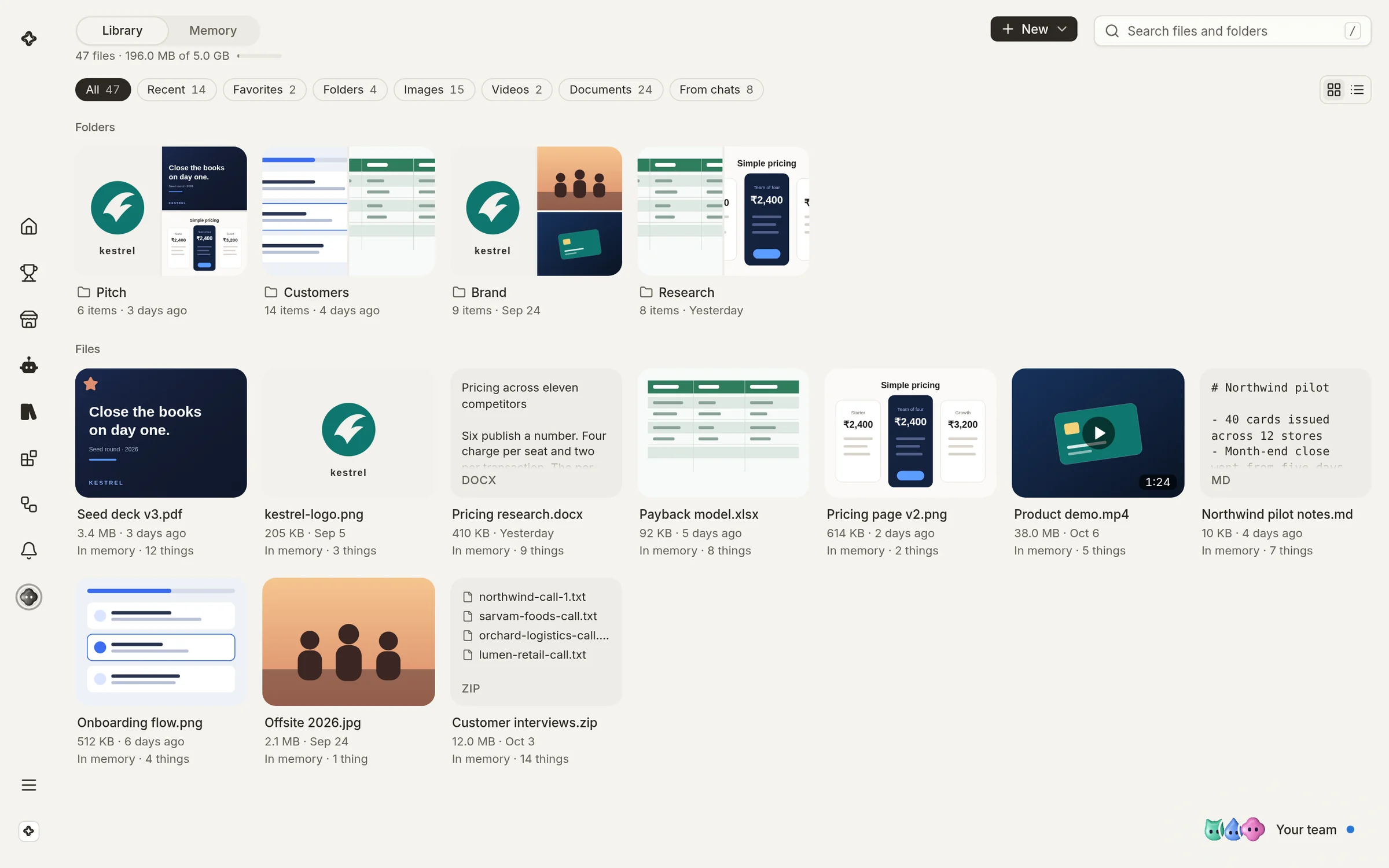
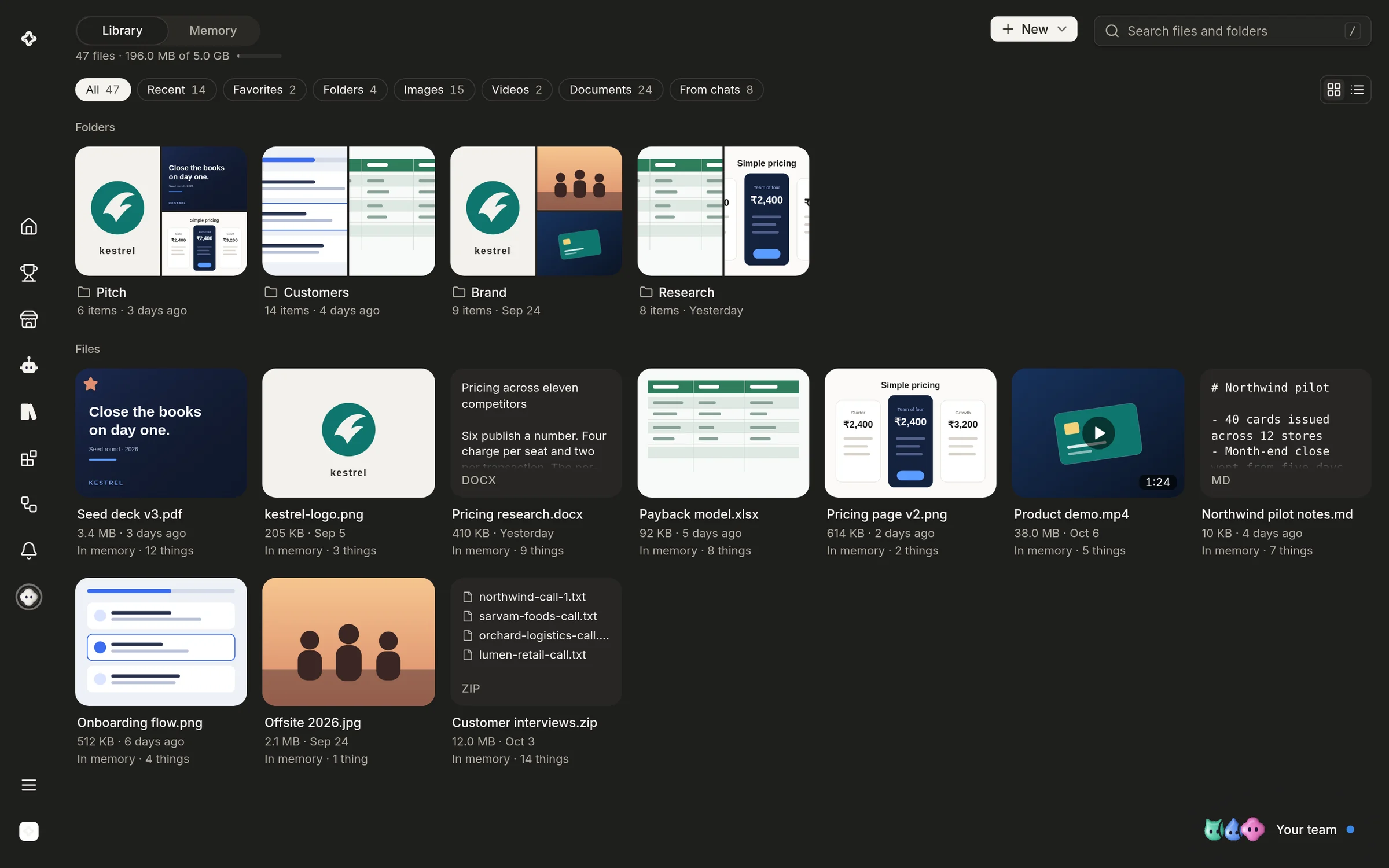
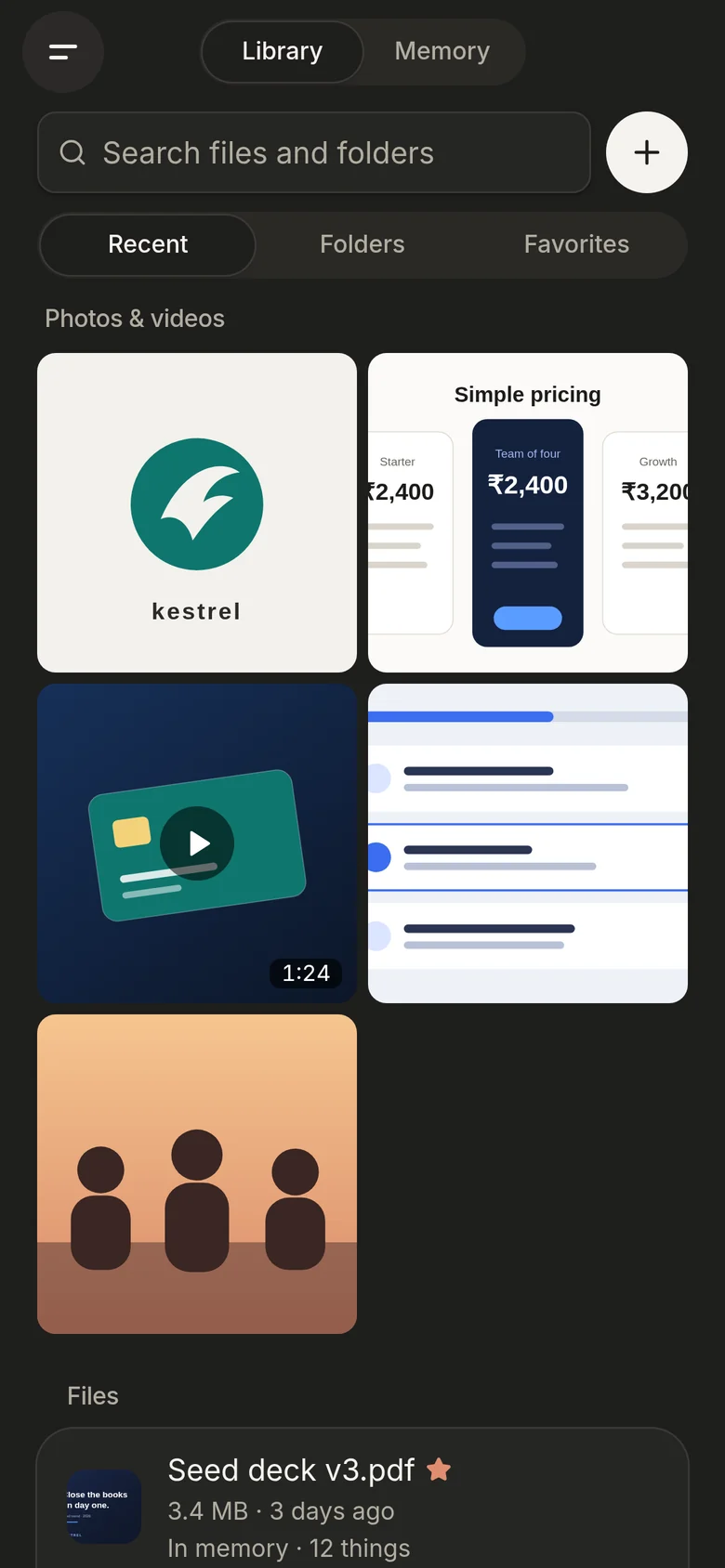
The Library: folders and files with previews, each marked with what memory took from it.The Library: folders and files with previews, each marked with what memory took from it.
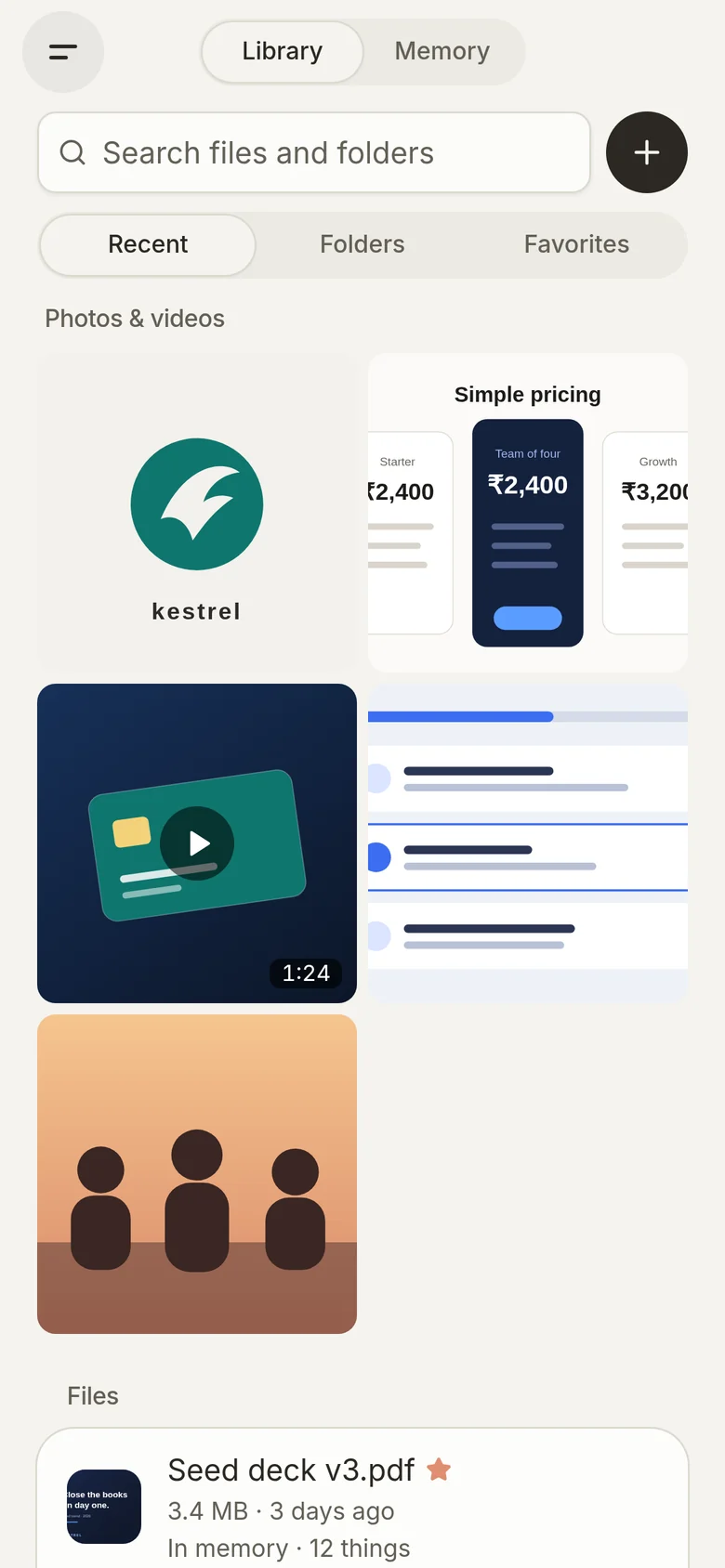
The Library on a phone.The Library on a phone.

It remembers what matters

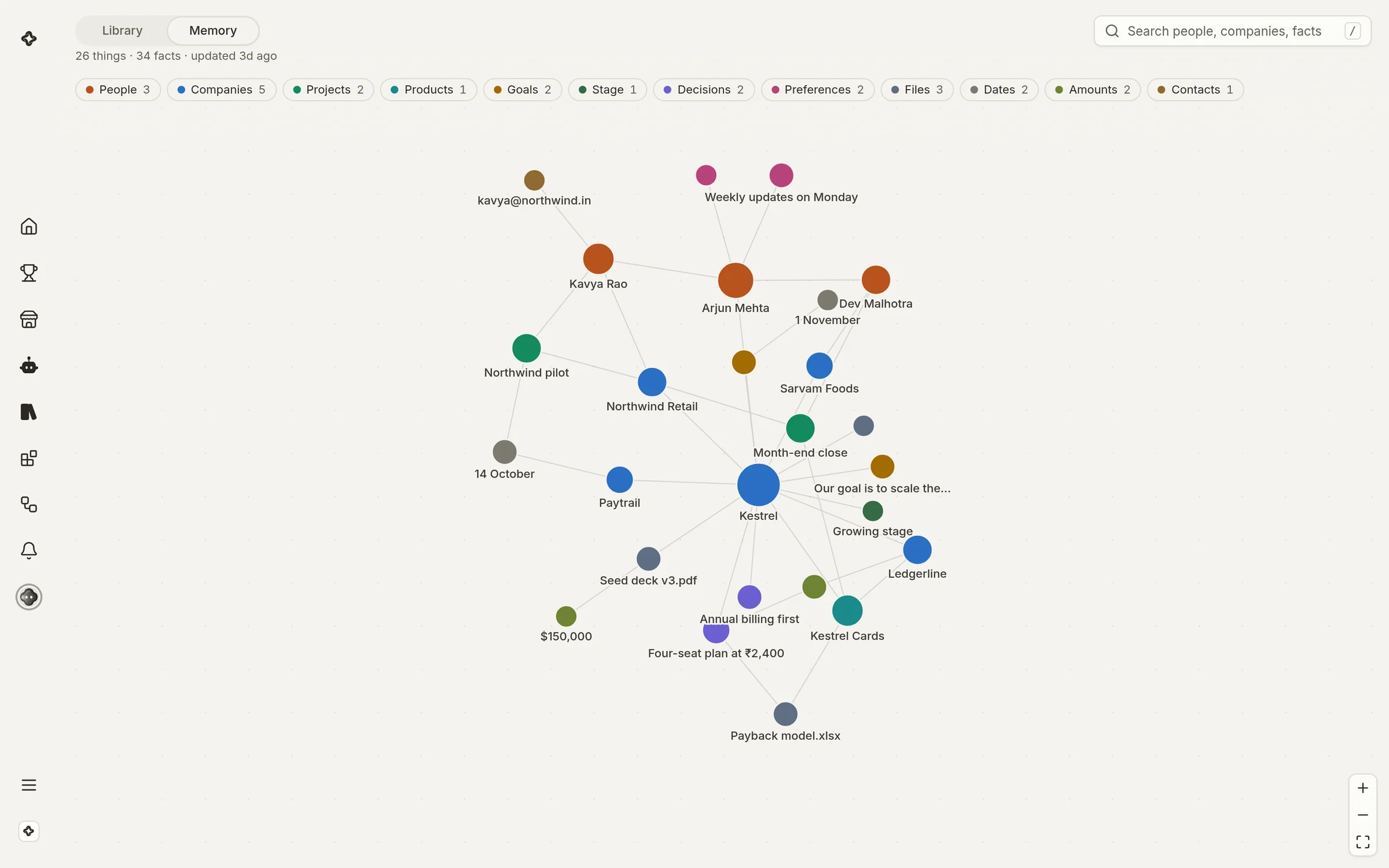
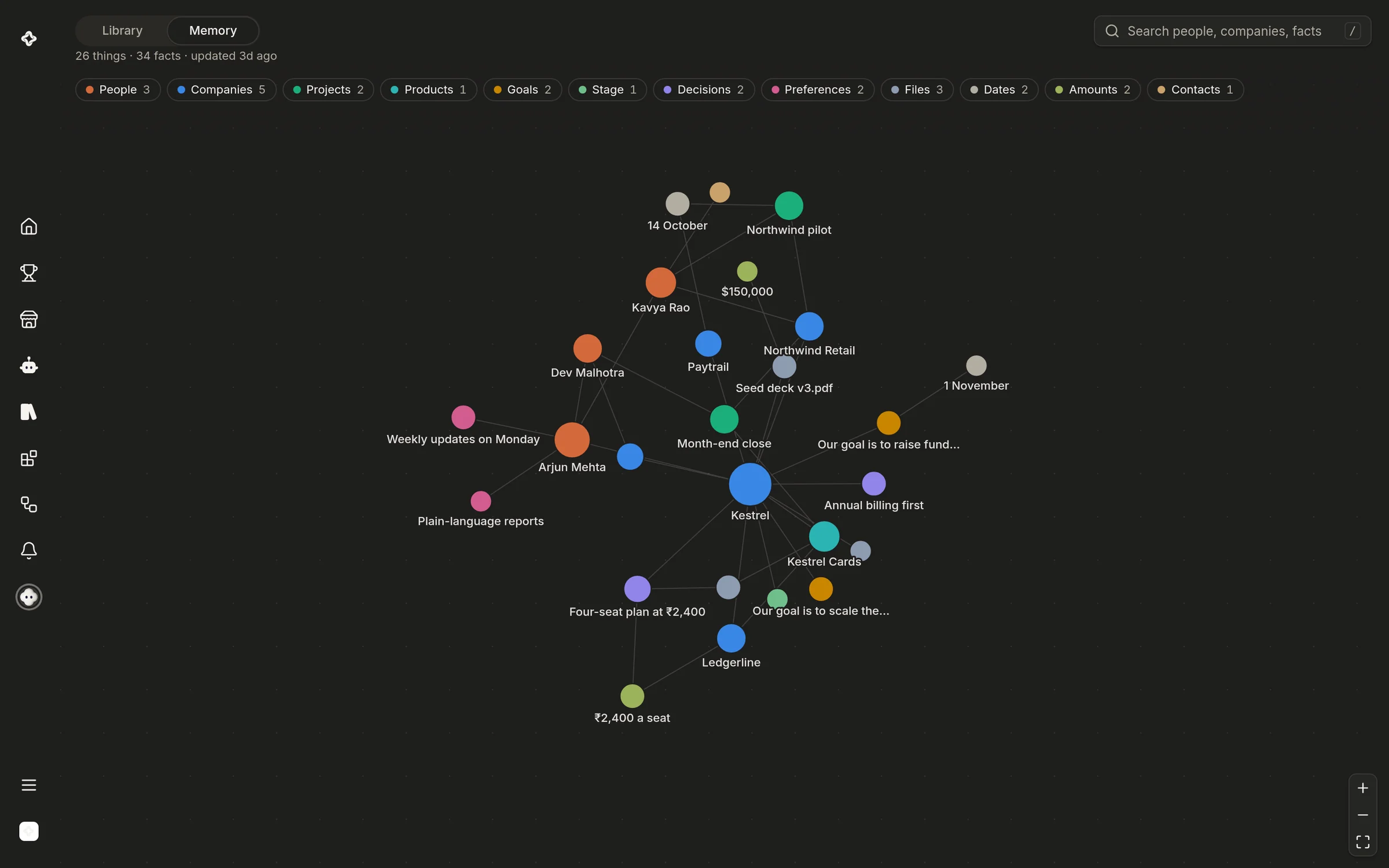
Every file feeds one memory: the people, companies, decisions, dates and amounts in it, linked to each other as your team learns them. Ask once and every teammate knows, so nothing is explained twice.

Read by everyone you work with

Your agent and every teammate work from the same Library.

See a file without opening it

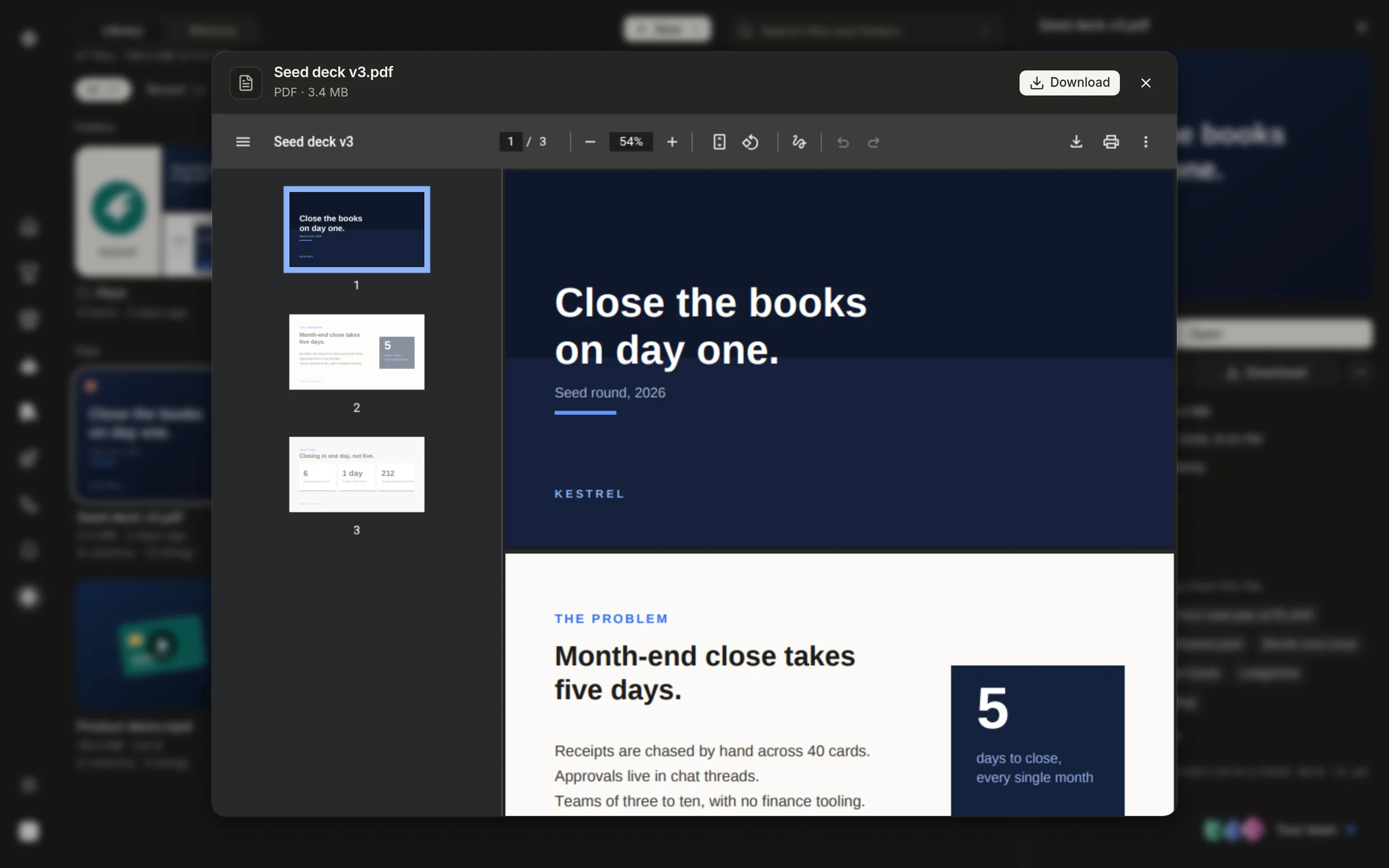
Decks, documents, sheets, images and videos preview in place, each marked with what memory took from it.

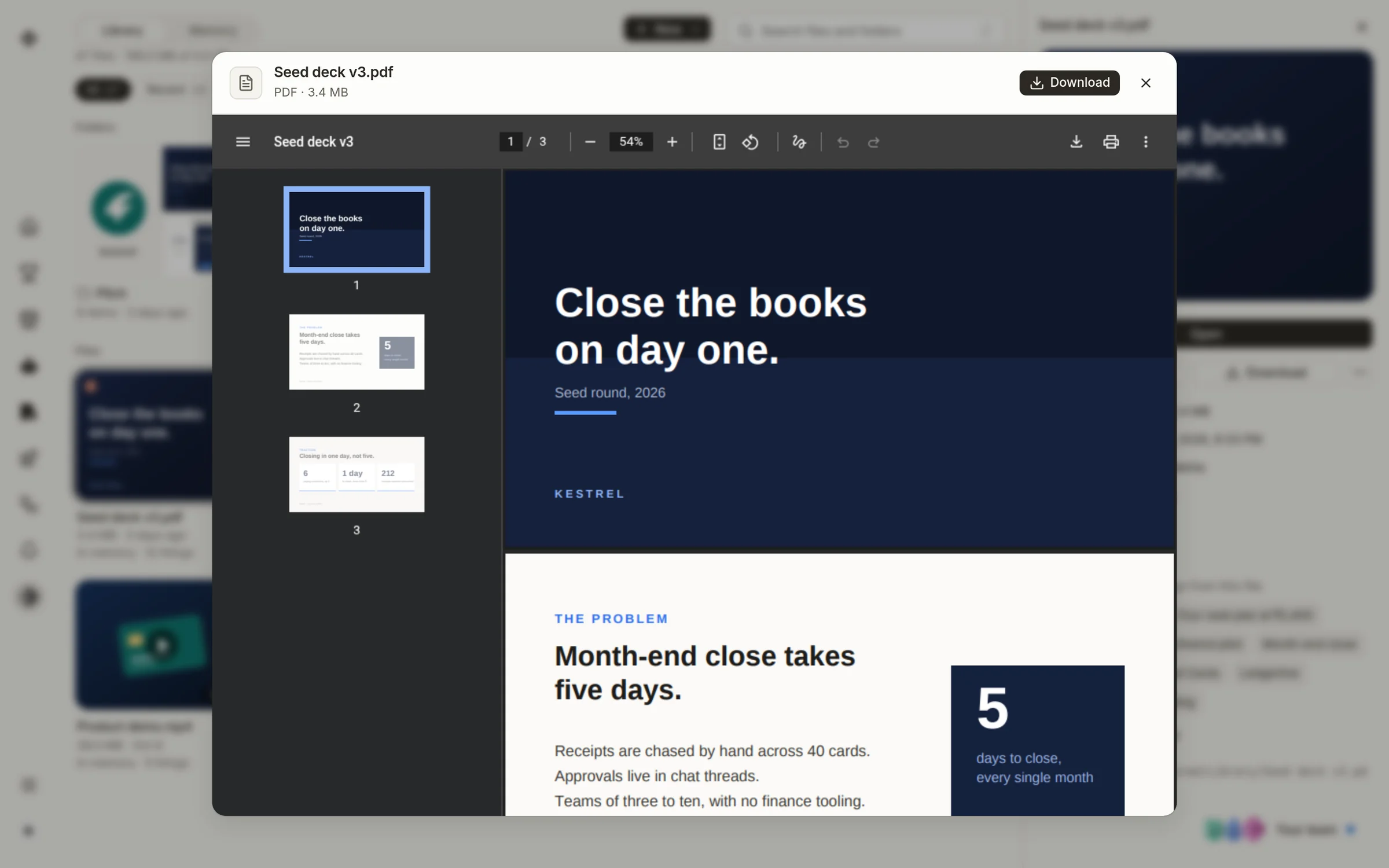
A file open in the Library's viewer.A file open in the Library's viewer.

Your agent reads it too

Ask your agent anything and it checks memory first, so the answer starts from what your team already knows.
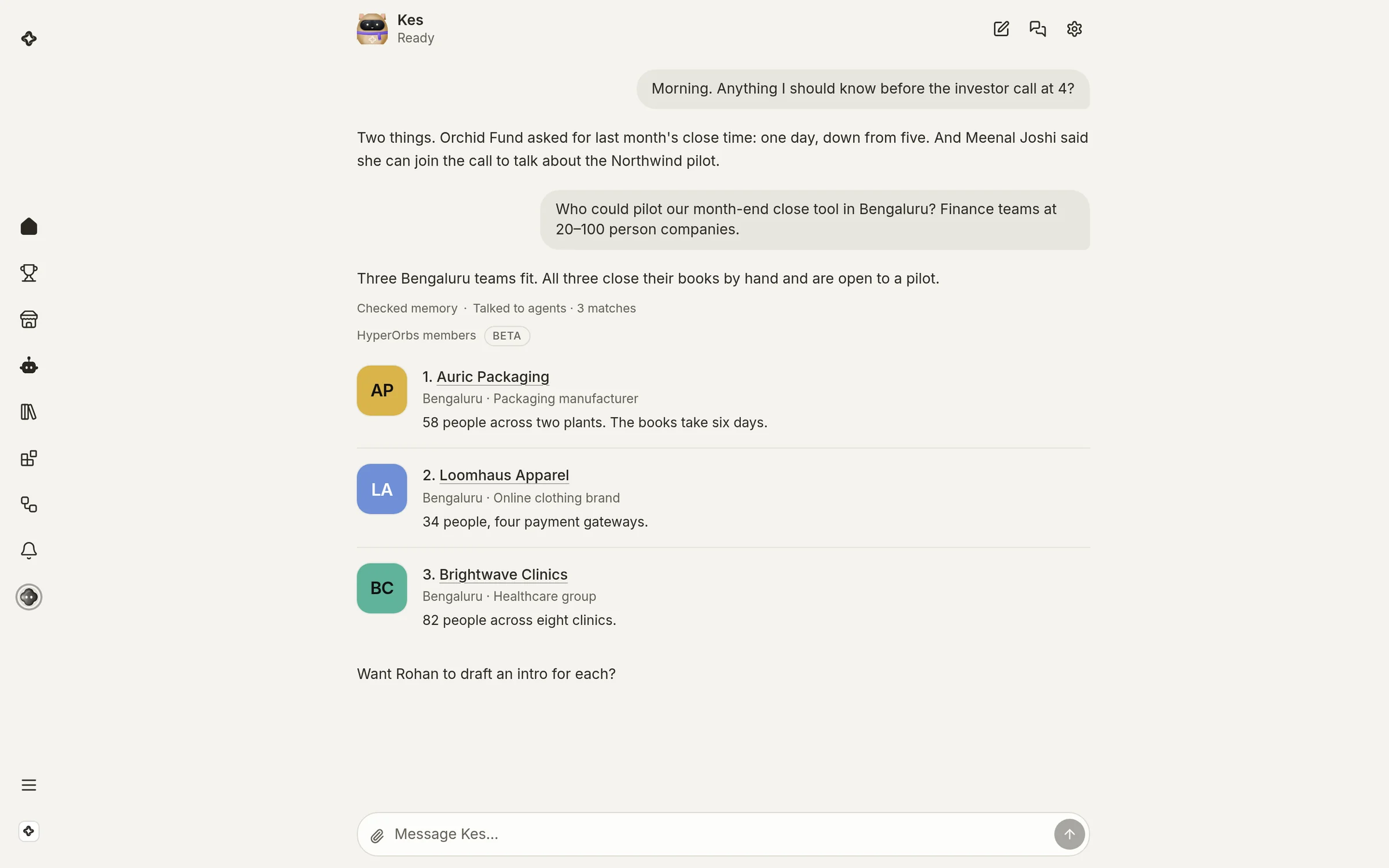
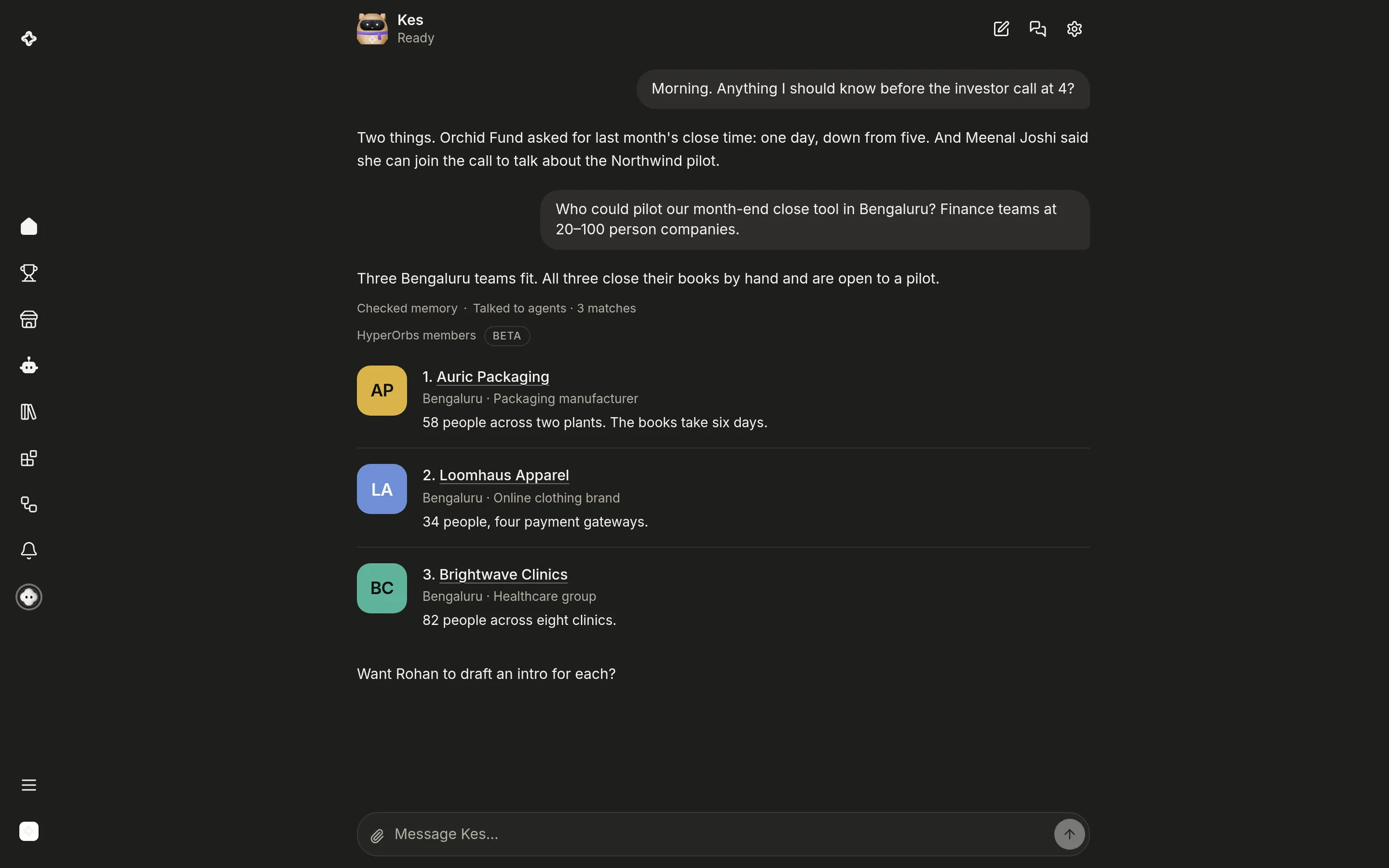
HyperOrbs Home: the agent's answer, after checking memory.HyperOrbs Home: the agent's answer, after checking memory.

FAQs

What can I put in the Library?
Files and folders: decks, documents, sheets, images and videos. Drag them in, or keep what your team makes in its chats.
Who can read my files?
Your agent and the teammates in that workspace. Nothing crosses to another workspace, including your own second one.
What does memory keep?
The people, companies, decisions, dates and amounts your team comes across, linked to the files and conversations they came from.
Can I see what it remembers?
Yes. Memory is a page of its own beside the Library, and your agent's settings show what it remembers about you and let you clear it.
Is it free?
Yes, on every plan, including Free.

Give your team a memory

Free on every plan.