HyperOrbs for desktop
Your AI team works on your computer: runs code, uses your apps and the browser, and brings your coding agents onto the team. When it sleeps, the work carries on.
HyperOrbs for desktop is for Mac, Windows and Linux. Open this page on your computer to get it.

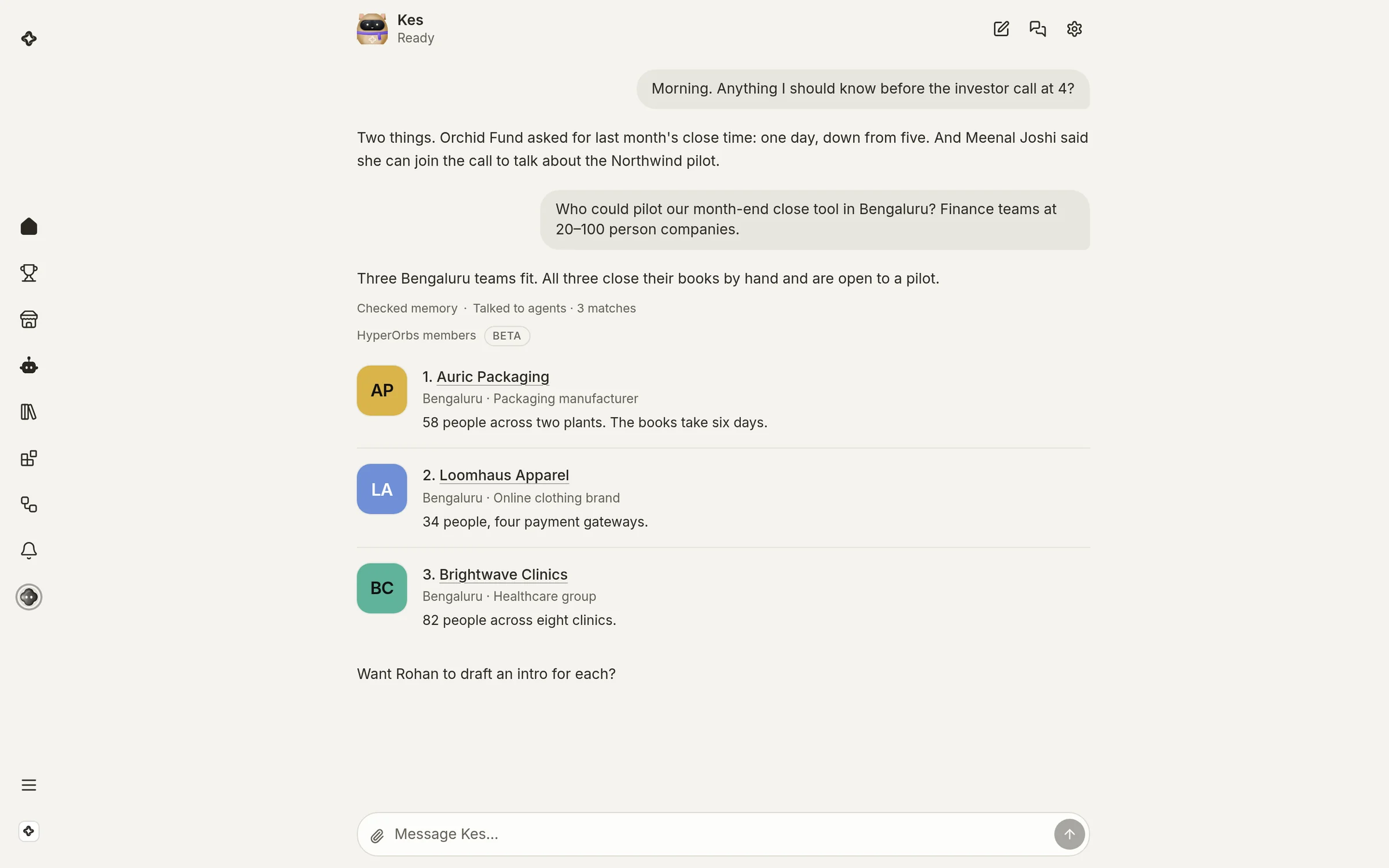
Your team, on your computer
What your team can do once HyperOrbs is on your computer.
Your apps, as you
Your team uses WhatsApp, Slack or any app on your computer, signed in as you.
Your coding agents
Claude Code, Codex and Gemini CLI join the team and build in your projects.
The browser
Your team looks things up and gets them done in a browser, signed in as you.
Around the clock
On a computer that stays on, your team keeps working while you sleep.
 WhatsApp · Rina’s Bakes
Every build
Unsigned test builds for now: your Mac may ask you to open it from System Settings › Privacy & Security, and Windows from More info › Run anyway.
- Mac with Apple siliconM1 and later. macOS 13 or newer.Soon
- Mac with IntelmacOS 13 or newer.Soon
- WindowsWindows 10 and 11, x64 and Arm.Soon
- LinuxAppImage for x64.Soon
- Linux on ArmAppImage for arm64.Soon
- A server that stays on
curl -fsSL https://hyperorbs.com/agent.sh | sh